Local timeline

The default quote button in the #littleFedi web UI looks to me like the number "55", which distracts me ("Hey, another post got 55 boosts!") so I added some custom CSS. It's a testament to littleFedi that I haven't wanted to add any customCSS until now.
  /* Hide the original quote SVG */
.action-btn[title="Quote"] svg {
    display: none;
}

/* Replace with nicer one */
.action-btn[title="Quote"]::before {
    content: "\201C";
    font-family: Georgia, serif;
    font-size: 26px;
    font-weight: bold;
    line-height: 1;
    position: relative;
    top: 4px;
}
@jac@404brain.boo I don't think there's anything wrong with starting with a fancy starter kit like Doom, especially if you're a Vim user. It'll be frustrating but fun either way :)
@jac@404brain.boo It's the deepest and holiest of rabbit holes! :). Mastering Emacs helped a lot (https://www.masteringemacs.org/). Prot's "basic emacs configuration" is not quite up to date, but very useful (https://protesilaos.com/codelog/2024-11-28-basic-emacs-configuration/). Try to resist things like Doom (I didn't, but should have). There are lots of bare-bones "starter kits" that get you a usable experience, but without the kitchen sink. If you struggle remembering key bindings, you'll want the which-key package (which I think is built in to newer Emacs). Have fun!
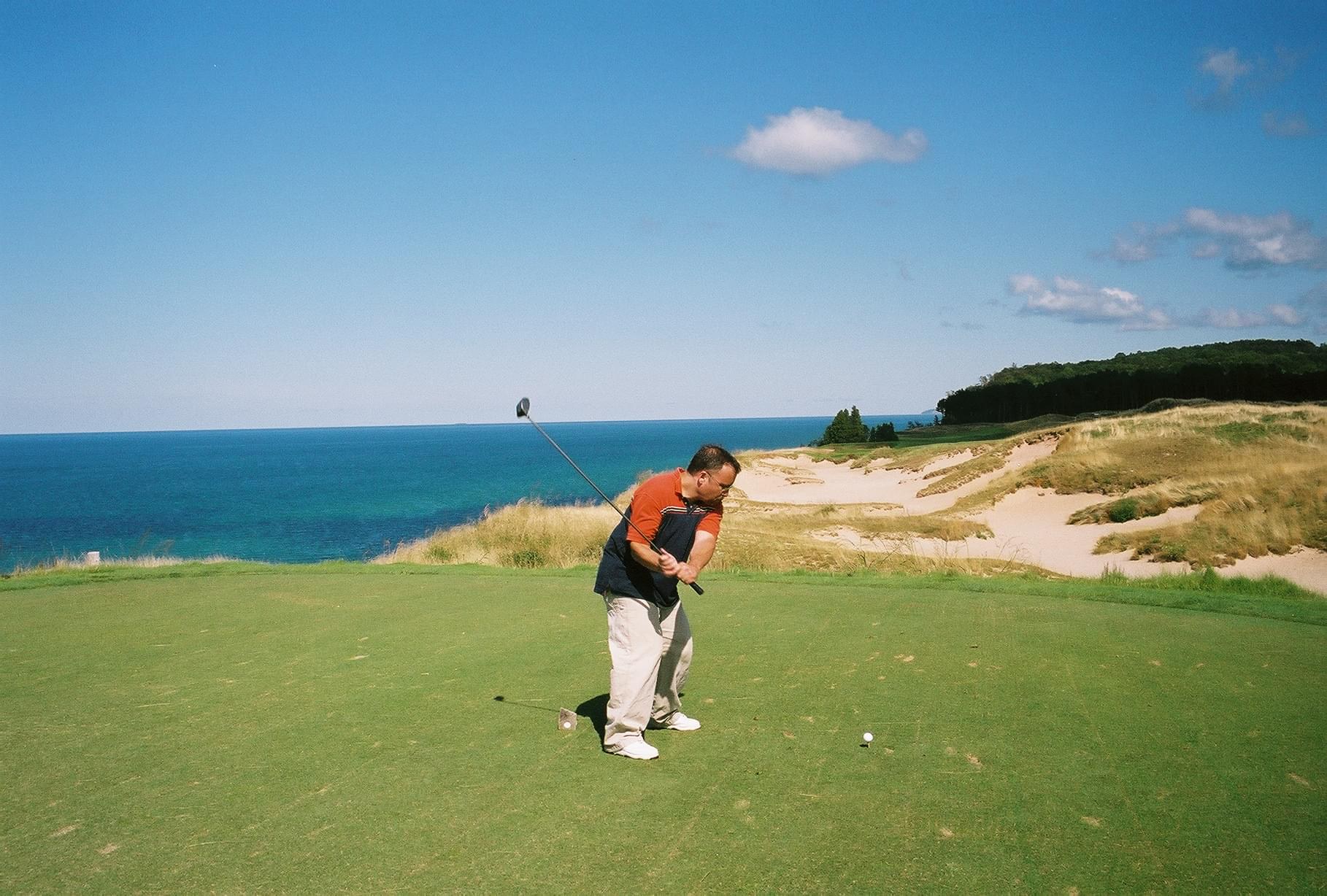
Hurray! #littleFedi adds drag-and-drop image posting in 2026.10.13: https://littleone.littlefedi.social/@littlefedi_official/01a1342b-11e6-7952-8be2-ac959bc4cf7a#status-01a1342b-11e6-7952-8be2-ac959bc4cf7a
Tested using what might be the only photo in existence of me golfing (Arcadia Bluffs). Gorgeous course, terrible golfer.
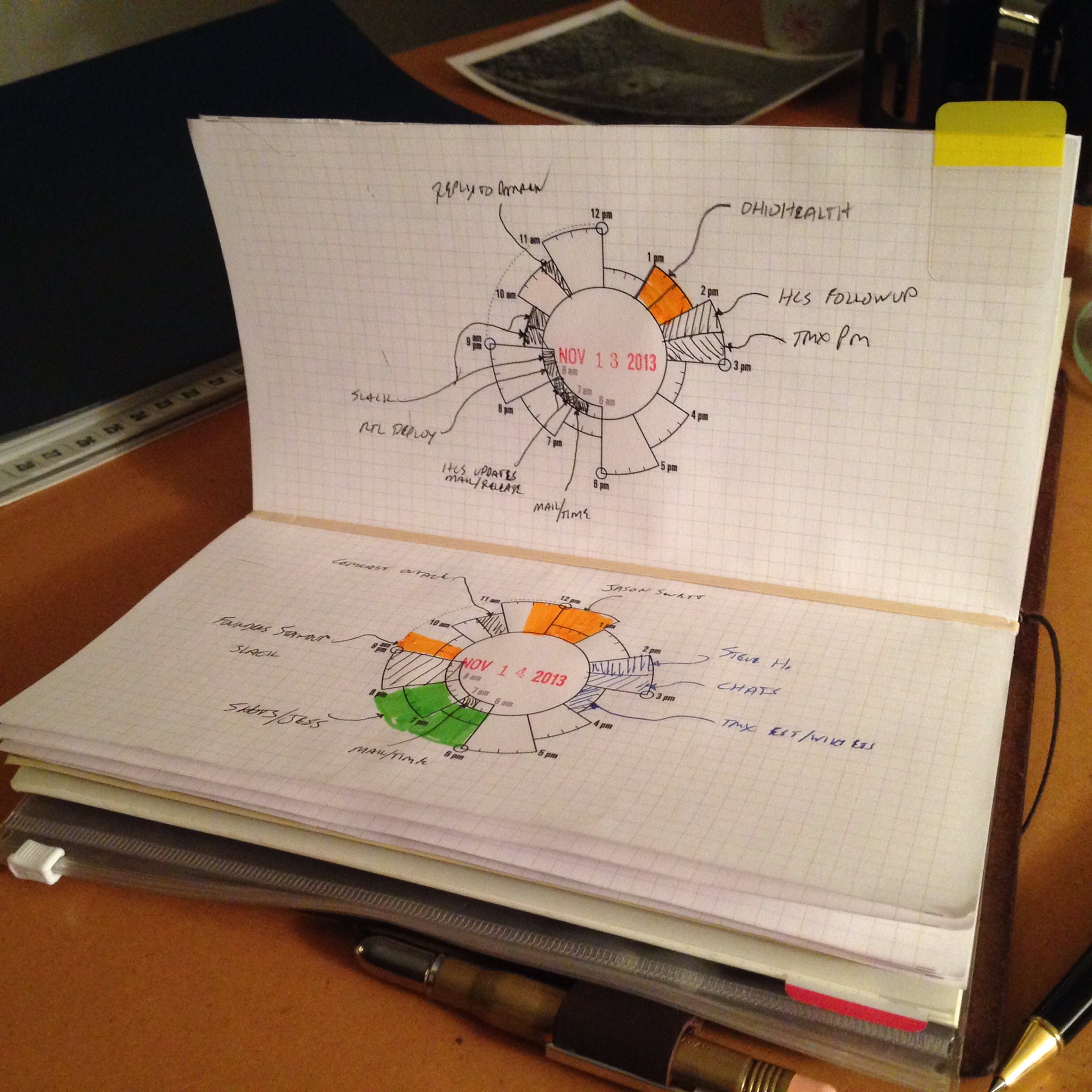
I used to try a lot harder.
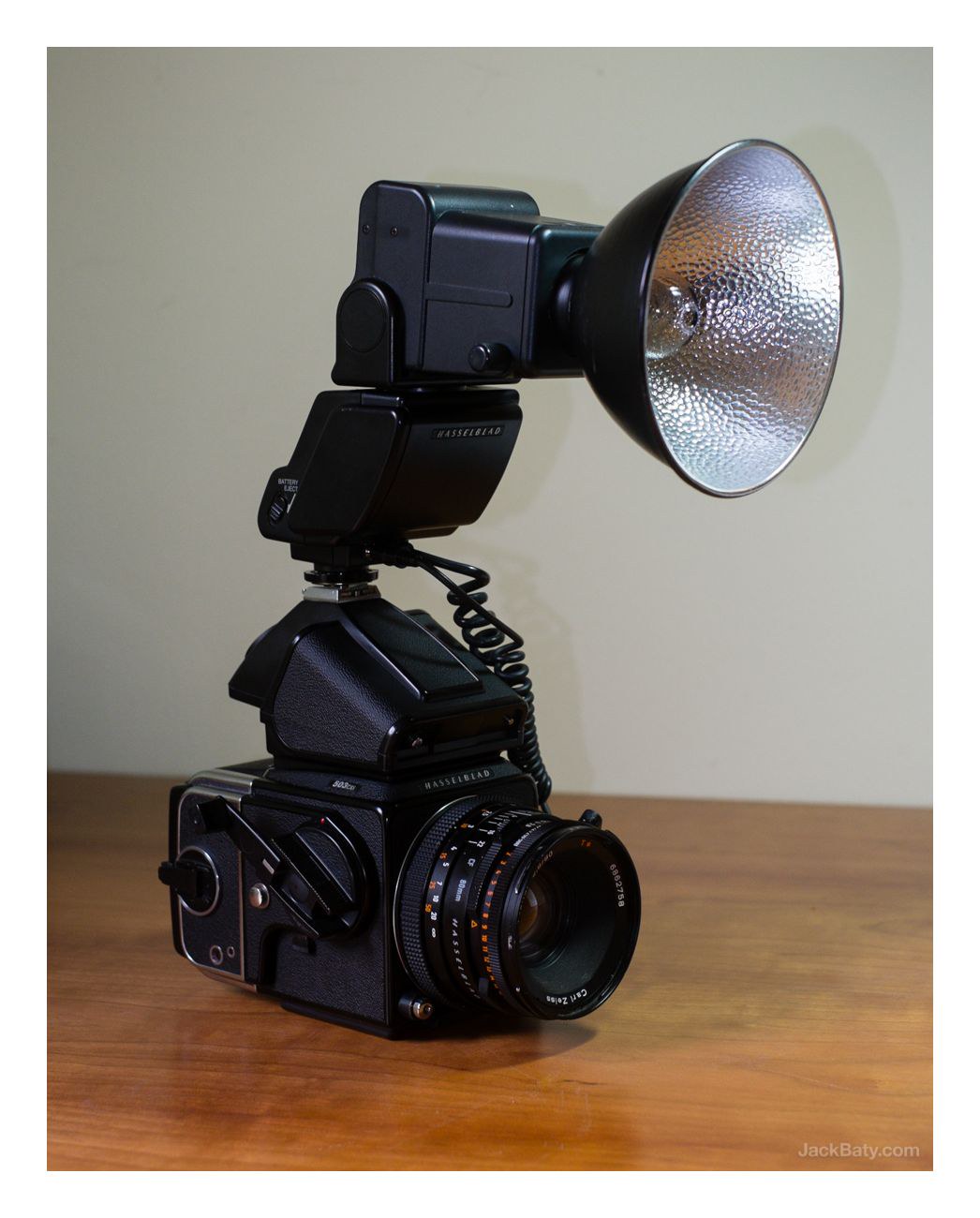
2026 Me: "This Nikon is too big"
2013 Me: "Umm..."
Most people in my neighborhood pick up their dog's poop.This is good, but lately I've been seeing poop bags with poop in them just left along the road or sidewalk. Did I miss a meeting? It's OK now to say, "Here, I put the poop in a bag. Now you take care of it!"? I don't get it.
@michael@social.michaelharley.net Ha! That might explain why I hadn't heard of it. Carrie it is, then! :)
@michael@social.michaelharley.net I'm not familiar with Carrier so I'll definitely give it a look, thanks!
"Small Prophets" (Apple TV) has exactly my kind of vibe. After 2 episodes it's my new favorite show. Probably because it was created by Mackenzie Crooke, who also did the great "Detectorists". https://www.themoviedb.org/tv/312693-small-prophets
@andyc@yakshaving.social Oh, I didn't see the HN post! I hope I don't get yelled at, I don't have an account :)
@andyc@yakshaving.social @stefano@bsd.cafe I've no doubt it'll get there, or I wouldn't have gone all in! :)
Scanning film negatives with a digital camera is more work than using a flatbed. You're going to disagree, but I think you're wrong.
Here's my version of each:
Scanner: Cut the negatives. Load the film holder, hit Prescan, choose "Find all frames", press Batch Scan. Go do something else. Import into Capture One. Done
Digital Camera: Mount the camera on the copy stand and level it. Manually focus on the first frame. Stand there and carefully advance each frame and hit the shutter (36 times). Import into Lightroom. Then convert the frames to positives using Negative Lab Pro. Export converted copies as TIFF. Cut the negatives.
I find that to be way more work
@andyc@yakshaving.social Right. The Add media button is a bit hard to find, too. And I can't seem to edit Alt text later. I just want to drag and drop 1 or more photos into the browser. Stefano is going to regret exposing an "Issues" tab if #littleFedi ever ends up on Github 😁
The complicateder I make things, the oftener things break, and the difficulter they are to fix.
@andyc@yakshaving.social Took me a minute to find that one, but yeah, it's nice! Now if we could have easier image handling in the web UI I'd be thrilled. I tried Ivory, but on the Mac, images are uploaded as tiny thumbnails for some reason.
I love to tinker, but my recent tinkering has wildly over-complicated things that I depend on and probably shouldn't be tinkered with. Related: I should either stop using Linux or at least stop trying to make Linux and macOS do the same things the same way with everything. It's a fun and frustrating mess right now :)